Asset Journals
An Asset Journal refers to the accounting process of recording the acquisition, depreciation and disposal of fixed assets.
Viewing Asset Journals
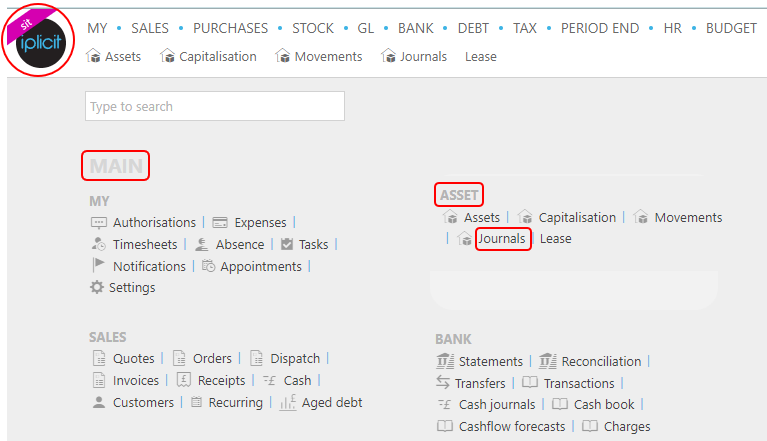
To view Asset Journals, either select Journals from Asset on the Main section from the pulse menu -
Note
This is an example screen shot of the pulse menu.
Position of the menu items within pulse will vary according to available options and dependant on personal screen resolution.
or select Asset then Journals on the Main Menu -

or enter Asset Journals in the Quick Launch Side Menu -

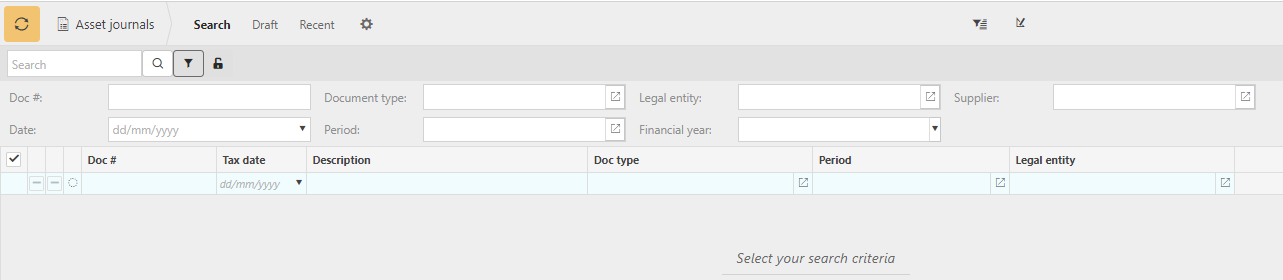
This will then show all the Asset Journals on the system.
Make corrections to Asset journals
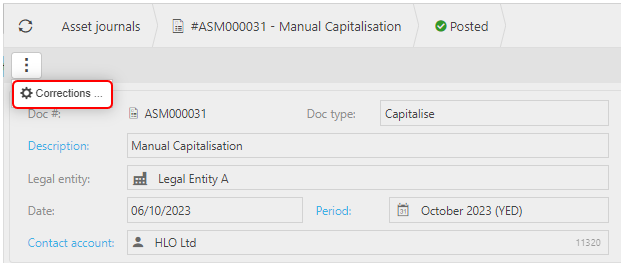
Select and open the Journal (either highlighted on the list or open the Payment), then select the  button and select Corrections.
Posting Attribute to make corrections to individual attribute values on the Journal.
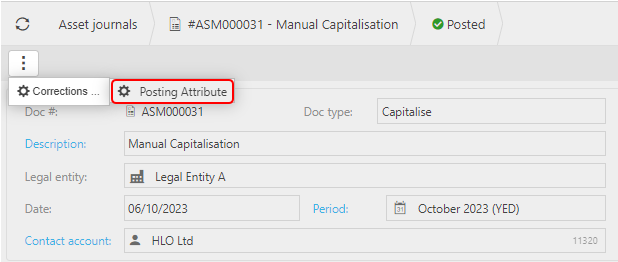
Further details Correction Posting Attributes