Budget Forecasts
Budget forecasting will create a forecasted Profit and loss.
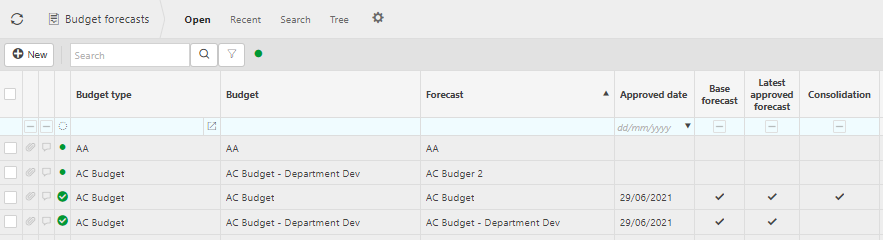
More Information
- Budget type: The Budget type defines various configuration types of budgets.
- Budget: This is the description used to identify the budget.
- Forecast: This is the description used to identify the forecast.
- Approved date: The date the budget forecast was approved.
- Base forecast:
- Latest approved forecast:
- Consolidation:
Tip
To modify the columns displayed, select
 in the top right of the page, then untick the information you do not want to see.
In this section you can
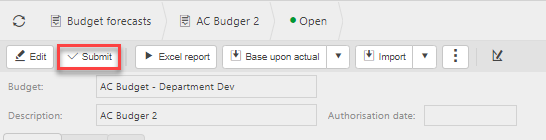
Submit a budget forecast
Double click the budget forecast then press Submit.
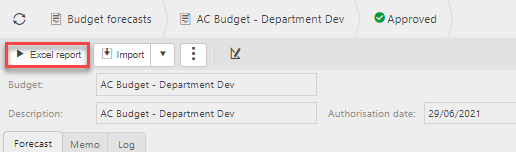
Excel report
Double click the budget forecast then press Excel report.
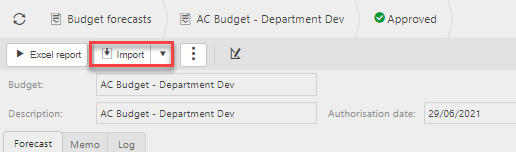
Import/ Export from excel
Double click the budget forecast then press Import or Export.
Create a new budget forecast
Press New.

Select the Budget type.
Description: This is used to identify the budget forecast.
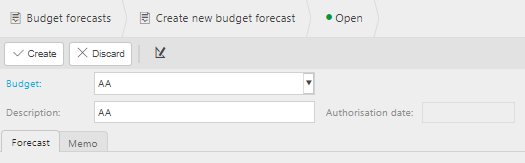
Press Create.
Updated February 2024