Payroll
The screenshot below shows a sample grid of the payroll function.

More information
- Document number: The code given to the document.
- Period: The timeframe of the payroll.
- Tax date:
- Post date: The date the payroll is posted.
- Amount: This is the net amount paid.
- Legal entity: This is the entity that is linked to the payroll.
Tip
To modify the columns displayed, select
 in the top right of the page, then untick the information you do not want to see.
Find a payroll
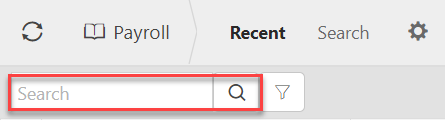
You can use the search bar to find a payroll.
You can toggle between the sets to narrow down your search.
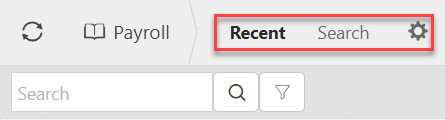
Alternatively you can use the selection criteria to search for a payroll.