Resource Schedule
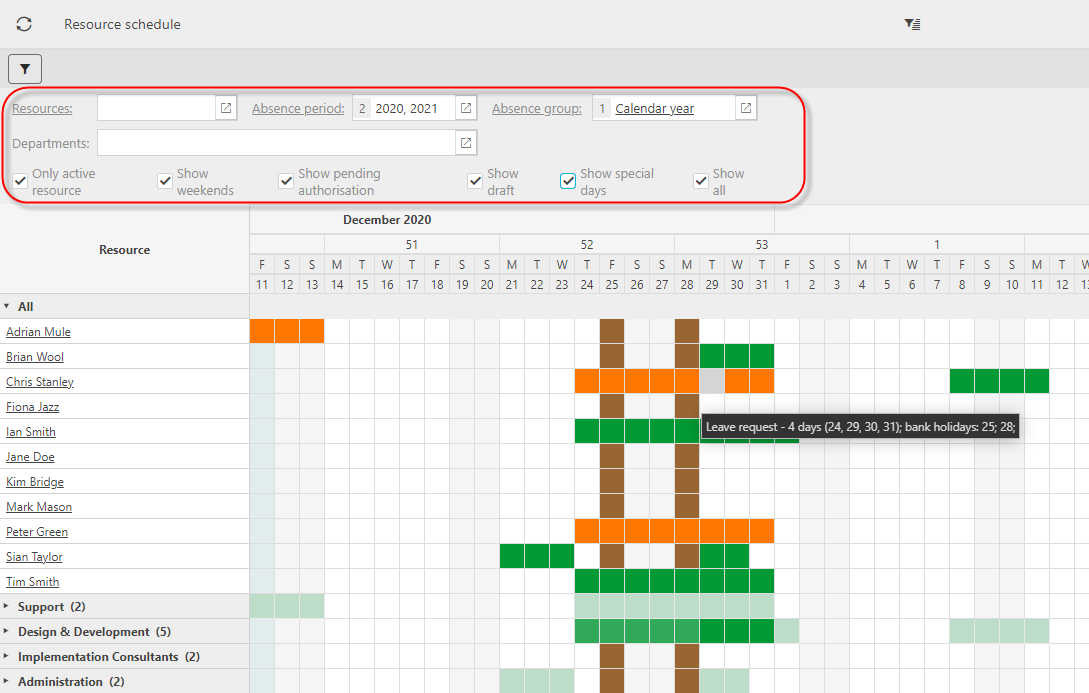
The Resource Schedule below shows absence (draft, pending authorisation and approved for the selected Absence Group and Absence Periods.
Tip
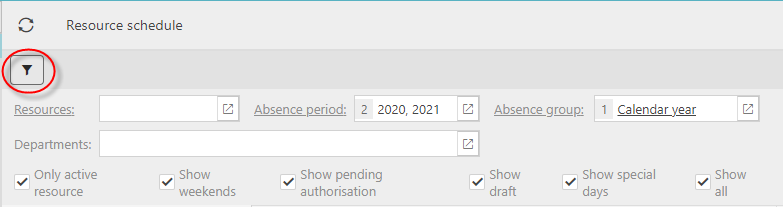
To vary the content of the schedule, select the filter, enter suitable selection criteria. The changes are reflected immediately in the absences returned. If you hover your mouse over an absence, a tooltip explanation is available to describe the absence.
Colour key:
 Pending
 Draft
Draft Approved
 Special day
My settings
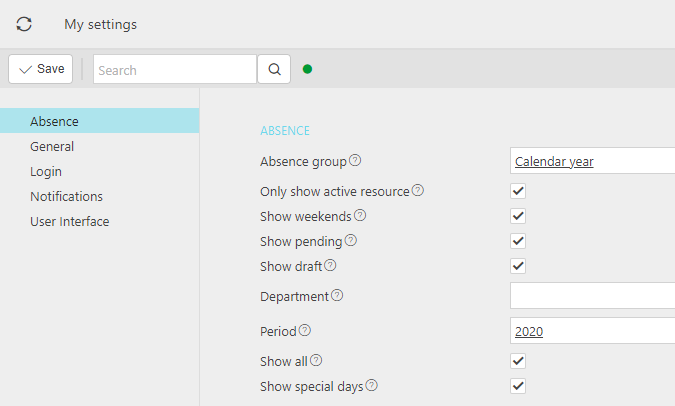
Set your filter defaults in MY SETTINGS