Stock Levels
The stock level feature allows you to view the status of your stock through: incoming, actual, outgoing, available, returned and free stock.
The stock levels are affected by different stock Documents. For more information please see: how stock documents affect the stock levels.
The screenshot below shows a sample grid of stock levels, which includes some key information.
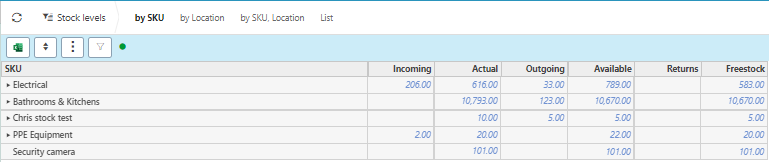
Grid information explained
- SKU: Stock keeping unit
- Incoming: The amount of stock coming in e.g. stock that has been purchased but not yet received.
- Actual: The stock that is currently in house e.g the physical items sitting on your shelf.
- Outgoing: The stock that has been sold.
- Available: The stock that is available to be used/sold (incoming + actual - outgoing = available)
- Returns: Returned stock e.g a customer did not want an item so they are sending it back.
- Freestock: This is the stock available after taking into account the outgoing stock (actual - outgoing = freestock).
Tip
To modify the columns displayed, select
 in the top right of the page, then tick/untick the information you want to see or not.
In this section you can
Sort by stock level
By clicking on a stock level you can filter by amount.
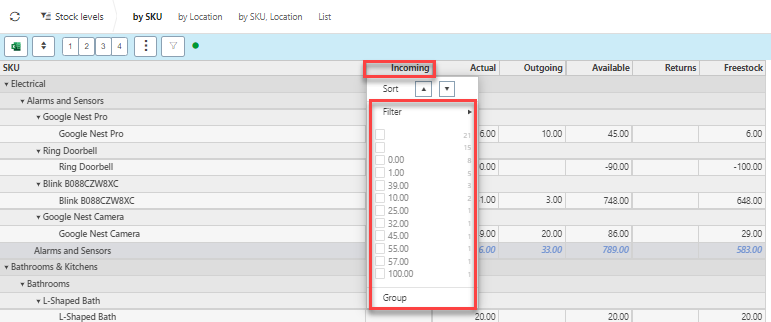
Edit how you view the stock levels
The tree layout allows you to view the stock levels in collapsible headings
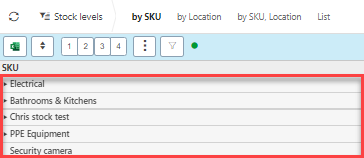
Clicking on a heading will open the section.

Clicking the tree numbers will open the collapsible levels e.g. 2 will open 2 levels (heading and sub categories on show)
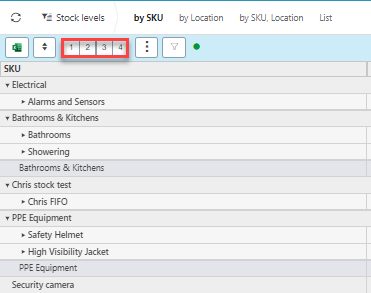
Tip
You can open and close all levels of the tree by clicking 
The filter will help present what you need to see by clicking the filter icon then filling out the selection criteria.

The sets at the top will edit the view of the stock levels.

Create a stock level document
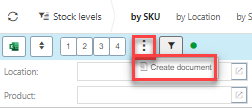
Press Create document.
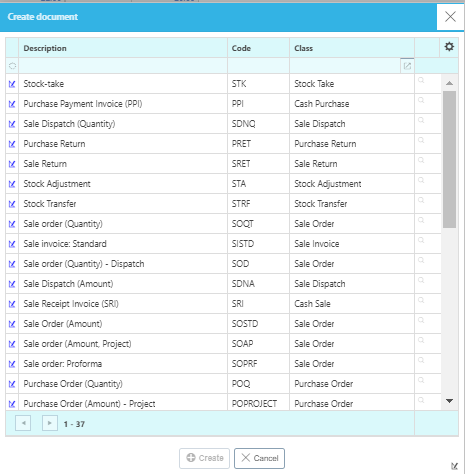
Select Document type then press Create.
View stock details
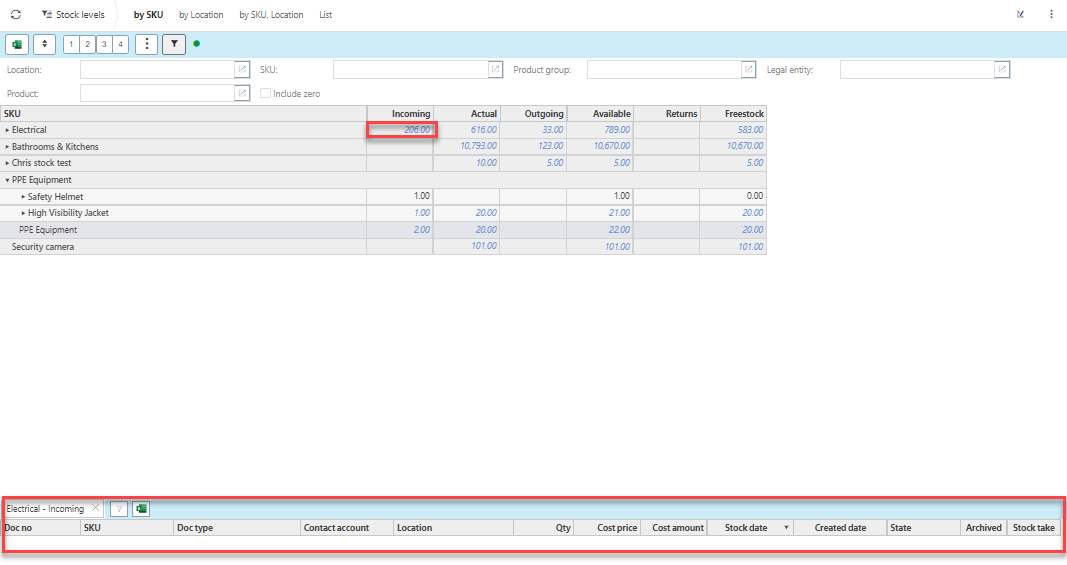
By pressing on a stock amount, the data lines will appear below.
Stock documents
Updated February 2024